Symbol Layer
The SymbolLayer is either used by the map style or can be added to the map
programmatically to symbolize data on the map.
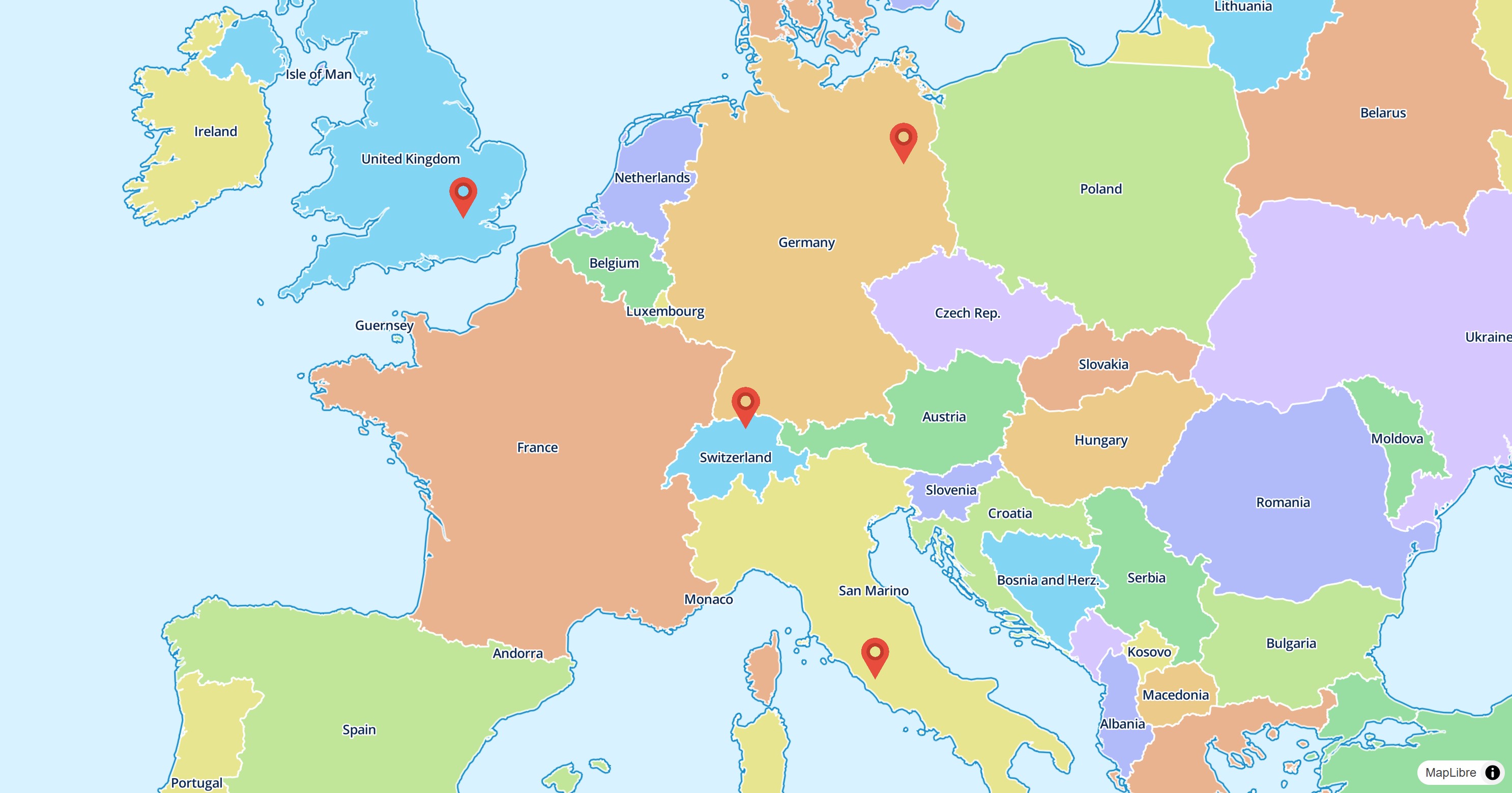
Basic Usage
late final MapController _controller;
Widget build(BuildContext context) {
return MapLibreMap(
options: MapOptions(center: Position(9.17, 47.68)),
onMapCreated: (controller) => _controller = controller,
onStyleLoaded: () async {
// load the image data
final response = await http.get(Uri.parse(LayersSymbolPage.imageUrl));
final bytes = response.bodyBytes;
// add the image to the map
await _controller.addImage('marker', bytes);
// add some points as GeoJSON source to the map
await _controller.addSource(
const GeoJsonSource(
id: 'points',
data: _geoJsonString,
),
);
// display the image on the map
await _controller.addLayer(
const SymbolLayer(
id: 'images',
sourceId: 'points',
layout: {
// see https://maplibre.org/maplibre-style-spec/layers/#symbol
'icon-image': 'marker',
'icon-size': 0.08,
'icon-anchor': 'bottom',
},
),
);
}
);
}
Check out the example app to learn more.
Style & Layout
Use the paint property to change the style and the layout
property to change the behavior on the map.
Read the Paint & Layout chapter to learn more on this topic.